The tiny fingers keyboard for babies & toddlers
Little fingers. Big discoveries.
A playful place to press, tap and see what happens. Open Little Keys and explore together.
Quick Play starts straight away in Baby Mode with a random theme. Choose a mode lets you pick age, theme and settings first. Free, with no ads and no sign-up.
- Press
- Tap
- Wonder
- Try again
- Make a little noise
What happens if I press this?
That is where the fun starts. A small action, a little surprise, and another reason to explore.
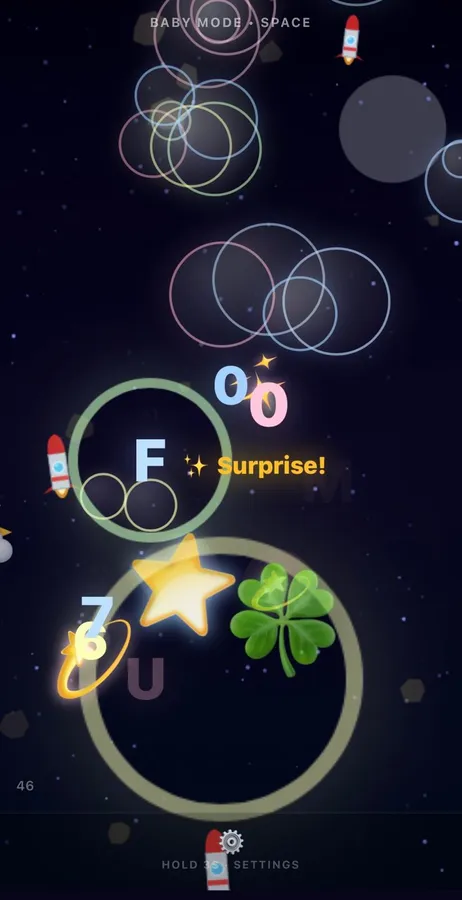
Every key, and every tap on a tablet, sets off its own reaction: a character, a shape, a colour, sometimes a sound. Nothing to win, nothing to lose.
Press the key (or focus it and press Space)
Who's playing today?
Three age modes change how busy, fast and wordy the reactions are. You choose; they explore.
A different world behind every key.
Each theme changes the colours, the characters and the words that pop up with each letter.
Opens setup with this theme chosen. You can still change it.
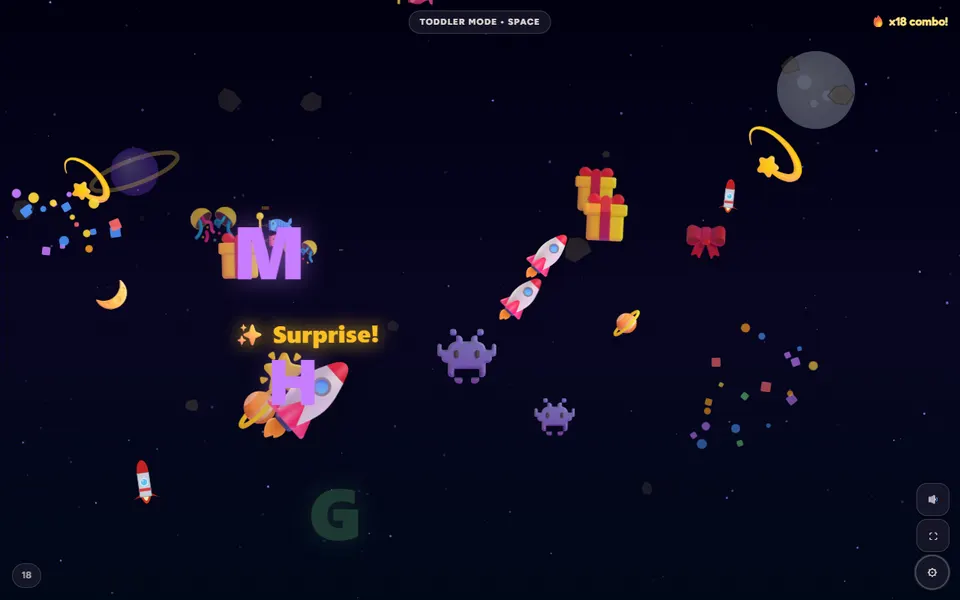
Same little keys. A new way to play.
Play modes change what each press does. Here is the gist of each one; the real thing is in the game.
From “hello” to happy tapping in four steps.
Choose
Pick an age mode and a theme, or skip straight to Quick Play.
Start
The page turns into a full play area. Hand over the keyboard or tablet.
Press & tap
Any key or tap makes something happen. There is no wrong answer.
Explore
Hold the ⚙ for three seconds to change things whenever you like.
Their little adventure. Your settings.
Settings sit behind a held button, so taps and key presses keep playing rather than changing things.
Try the settings gear
A demo only: nothing here changes your saved settings.
Press and hold for 3 seconds
Play is paused. A grown-up holds the ⚙ to carry on.
- Held, not tapped
Settings open when the gear is held for three seconds. A quick tap does nothing, so little hands carry on playing.
- Keyboard protection, honestly
While playing, Little Keys catches key presses so most browser shortcuts do not fire. Lock mode also goes full screen on computers and, in Chrome and Edge, can hold shortcuts such as closing the tab. Press Esc five times to unlock. No web page can block every system shortcut, such as switching apps or the Home button.
- A timer you control
Pick a play time. When it runs out, play pauses on a calm screen until a grown-up holds the gear. No countdown pressure, no streaks.
- Nothing to sign up for
No accounts and no ads. Settings stay on your device. A child's name, if you add one for the letter surprise, is not saved.
A little less busy.
Some moments call for calm. Gentle mode shows fewer animations, and Night mode dims the colours and slows things down.
Ready, set, spell.
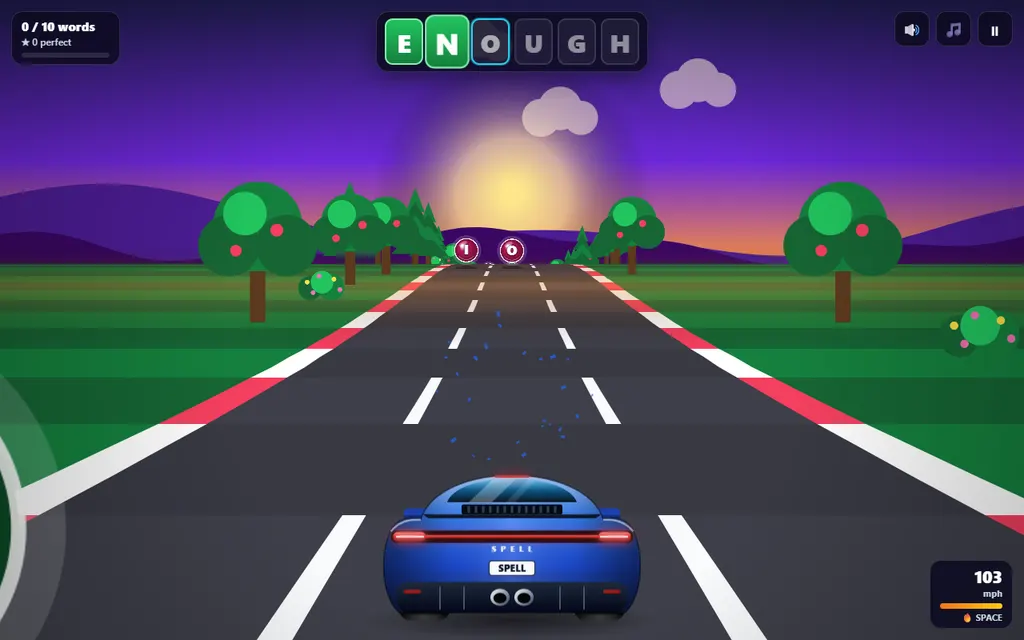
Word Racer is for older children. Hear a word, then steer into its letters in the right order, dodging obstacles and sneaky spelling traps. Ten words and you cross the finish line.
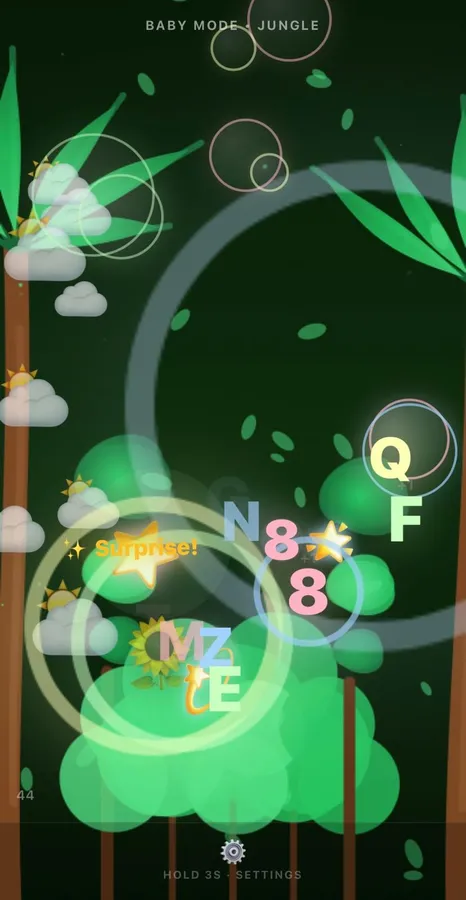
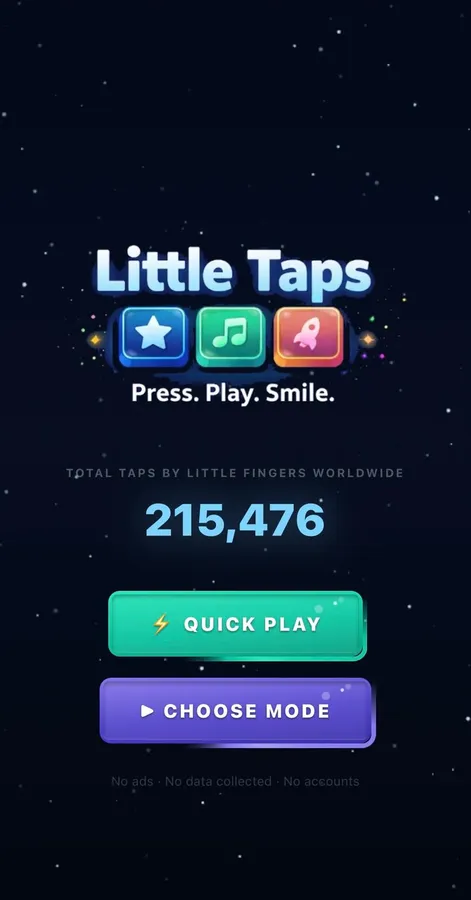
Little Taps, for phones and tablets.
Little Taps is our free app for iPhone, iPad and Android, built for tapping. It has the three age modes, a set of themes and parent settings behind a held gear, and it works offline.


Simple, and upfront about it.
Free, no ads, no sign-up
Open the page and play. There is nothing to buy and no account to make.
What we collect
Only if you accept the cookie banner, Google Analytics counts visits anonymously. A shared counter adds up key presses, with nothing linked to anyone.
Works on what you have
Any modern browser on a computer, tablet or phone. Once it has loaded, it keeps working if the internet drops.
Questions parents ask
A free browser playground for ages 0–6. Every key press, or every tap on a tablet or phone, sets off colourful animations and sounds.
Yes, completely. There is no sign-up, no ads and nothing to buy.
A game made for babies and toddlers to press keys safely and see fun reactions. Little Keys turns every key press into colourful animations and gentle sounds, in any browser on computers, tablets and phones.
Quick Play starts straight away in Baby Mode with a random theme. Choose a mode opens a short setup where you pick age, theme, play mode and options first.
Baby Mode (0–2) is the softest and slowest. Toddler Mode (2–4) adds animals and balloons. Learning Mode (4–6) shows letters and numbers with themed words and phonics. For ages 7–9 there is Word Racer, a separate spelling game. The ages describe the modes, not advice about screen use.
Learning Mode (4–6) shows each letter with a word and its sound as children type, such as “A is for Apple”, and numbers with that many pictures. Toddler and Baby Mode focus on colours, characters and sounds instead.
Yes. It works in modern browsers, and on touch screens children simply tap. There is also the free Little Taps app for iPhone, iPad and Android.
While playing, hold the ⚙ button for three seconds. A quick tap does nothing, so children keep playing instead of changing things.
Yes. In settings you can turn sound off or choose quiet, normal or loud volume. Gentle mode shows fewer animations, Night mode is dimmer and slower, and Calm is a softer play mode.
There are no ads, no sign-up and no links out of the play area. Settings sit behind a held gear, and a keyboard lock and play timer are there if you want them. No web page can block every system shortcut, so it is still best to stay nearby.
During play, Little Keys catches key presses so most browser shortcuts don’t fire. Lock mode also goes full screen on computers and, in Chrome and Edge, can hold shortcuts such as closing the tab; press Esc five times to unlock. A web page cannot block every system shortcut, such as switching apps, the Home button or Ctrl+Alt+Delete.
A separate game for ages 7–9. Children hear a word and steer a car into its letters in order, avoiding obstacles and spelling traps. Ten words finish a race. It has three spelling levels and works with a keyboard or touch. Play Word Racer.
Little Taps is our app version for phones and tablets, built around tapping. It has the age modes, a set of themes and the held-gear parent settings, and it works offline.
In our privacy policy. In short: Google Analytics runs only if you accept cookies, and a shared counter adds up key presses anonymously. You can change your choice in .
Something else?