Little Keys › Keyboard smash
Free · No ads · Ages 0–6
The keyboard smash game for babies & toddlers
Go on, let them smash it. Every key your little one bashes, with fists, palms or one careful finger, bursts into colours, shapes and sounds. There is nothing to get wrong.
Opens straight into the game. Hold ⚙ for 3 seconds to change settings.
Why babies love smashing the keyboard
Babies and toddlers see you typing all day, so the laptop is the most interesting thing in the room. A keyboard smash game gives them the real thing safely: big hands slapping lots of keys at once, and something happening every single time.
- Every press counts. One key or ten at once, each one makes a reaction, so even the youngest players see cause and effect.
- Nothing to fail. No scores to chase, no wrong answers, no game over.
- Built for little hands. Big, bright reactions, gentle sounds and calmer settings for babies.
- Grown-up controls stay hidden. Settings sit behind a ⚙ button you hold for three seconds, so a quick slap does nothing.
Pick how big the smash should be
Every button below starts the game straight away in that mode. You can switch at any time.
Baby smash
Soft colours, slow shapes and gentle sounds. The calmest way to start, for ages 0–2.
Play Baby smash →Chaos smash
Fireworks, rockets, confetti and animals all at once. For toddlers who want maximum noise.
Play Chaos smash →Asteroid smash
Space rocks rain down and every key launches a rocket to defend.
Play Asteroid smash →Letter smash
For 4–6 year olds: each letter appears with a word and its sound, like “A is for Apple”.
Play Letter smash →Keeping the laptop safe while they smash
- Start the game first, then hand it over. During play, Little Keys catches key presses so most browser shortcuts don't fire.
- Turn on Lock mode for extra protection. Hold ⚙ for three seconds and switch on the keyboard lock. On computers it goes full screen and, in Chrome and Edge, can hold shortcuts such as closing the tab. Press Esc five times to unlock.
- Set a play timer if you want one. The timer in settings ends the session gently when time is up.
- Stay nearby. No web page can block every system shortcut, such as switching apps or Ctrl+Alt+Delete. Keep drinks and snacks away from the keyboard too.
On a tablet or phone? Every tap counts as a smash. Or get the free Little Taps app for iPhone and iPad or Android, built around tapping.
11 worlds to smash through
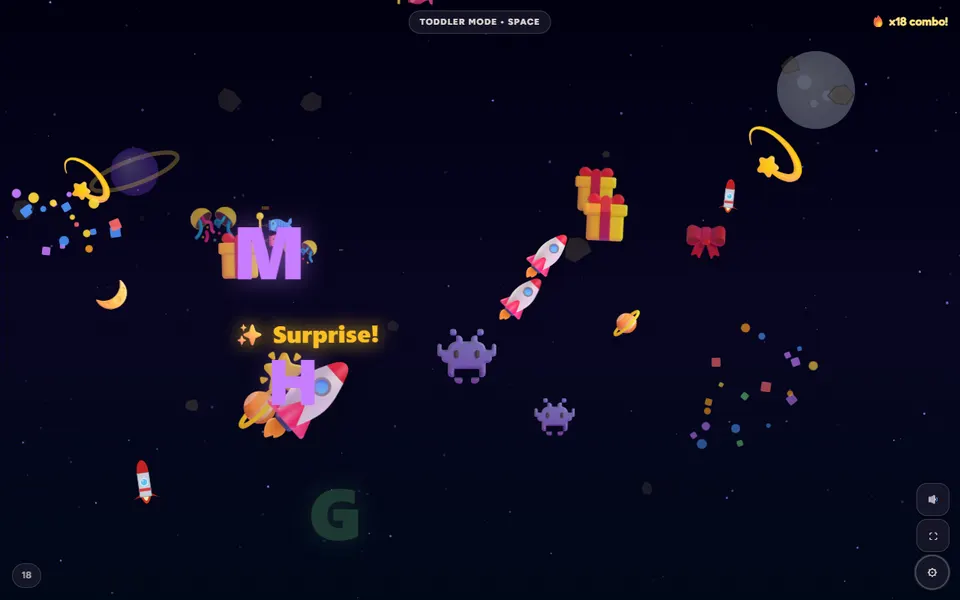
Space, Underwater, Jungle, Candy, City, Winter, Garden, Dinosaur, Rainbow, Farm and Pirates. Each world has its own background, characters and colours.
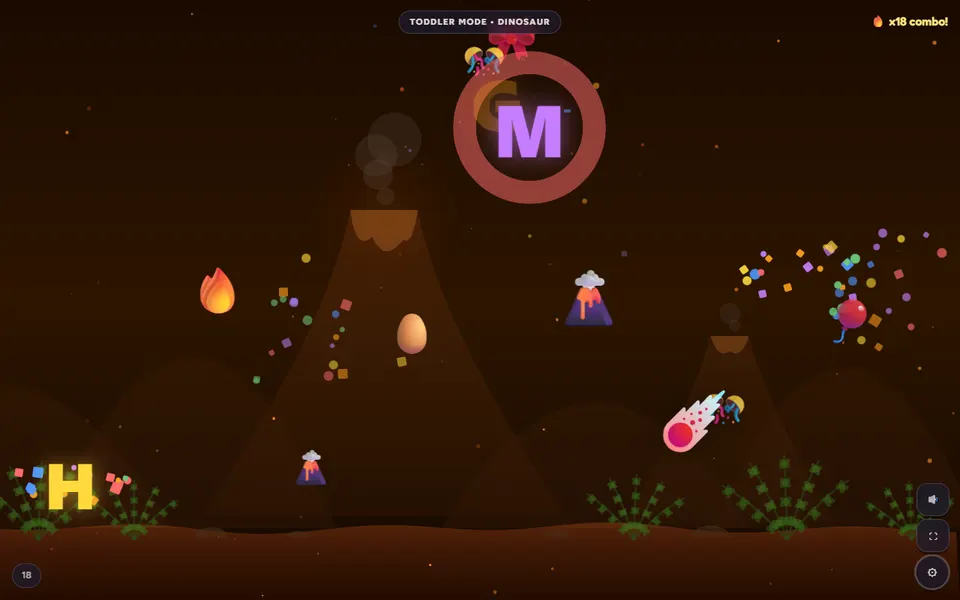
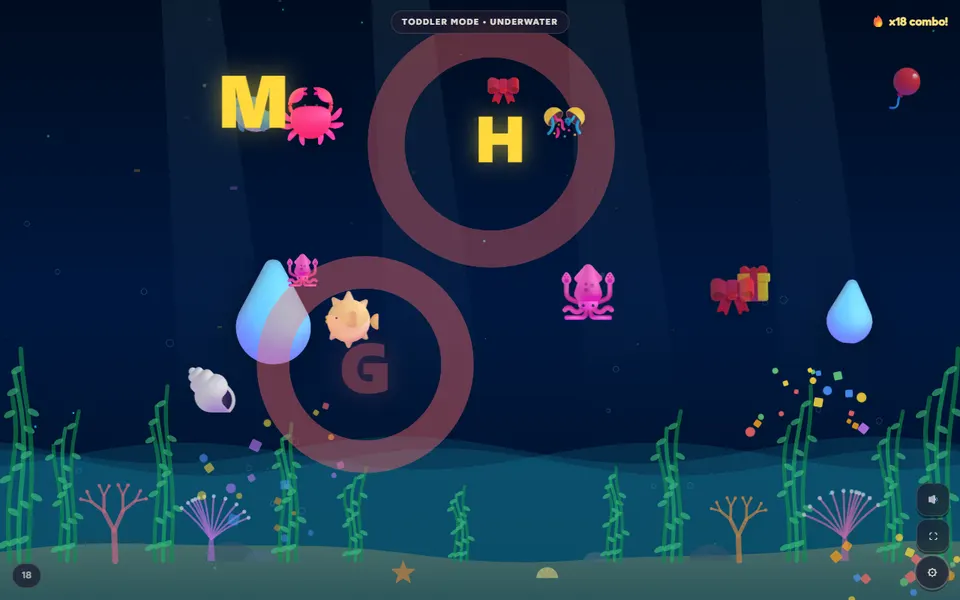
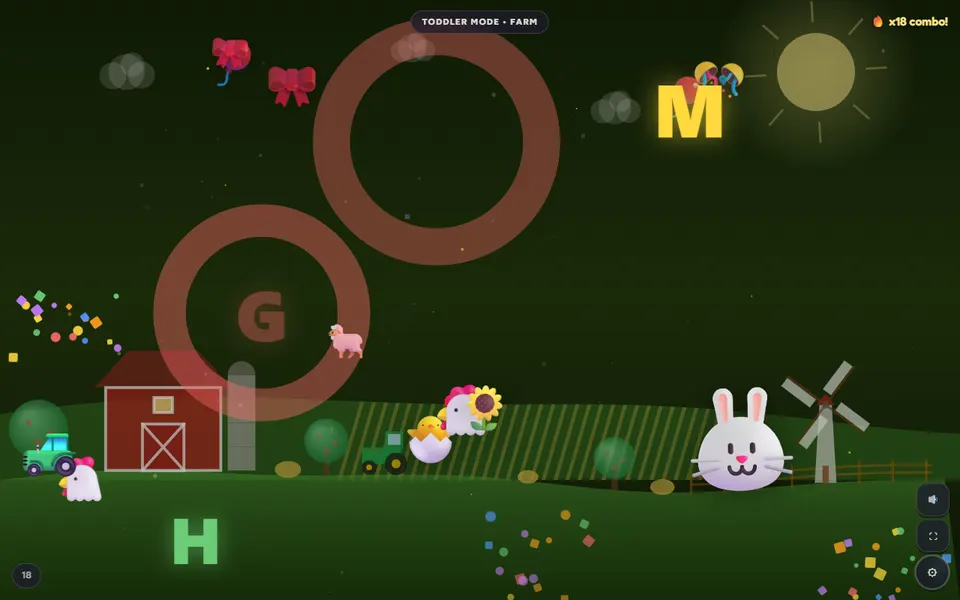
See all 11 on the toddler games page.
Keyboard smash questions
What is a keyboard smash game?
A game where a baby or toddler can bash any keys they like, and every press does something fun on screen. There is nothing to get wrong, so they can't fail. Little Keys turns each key into colours, shapes, animals and sounds.
Is it safe to let my baby smash the keyboard?
Little Keys catches key presses during play so most browser shortcuts don't fire. Lock mode also goes full screen and, in Chrome and Edge, can hold shortcuts such as closing the tab; press Esc five times to unlock. No web page can block every system shortcut, so stay nearby, and keep drinks and snacks away from the laptop.
Does it work on a tablet or phone?
Yes. On a touch screen every tap counts as a smash. There is also the free Little Taps app for iPhone, iPad and Android, built around tapping.
Is the keyboard smash game free?
Yes. There are no ads, no sign-up and nothing to buy. It runs in your browser.
What age is keyboard smashing for?
Baby Mode (0–2) is soft and slow, Toddler Mode (2–4) adds animals and balloons, and Learning Mode (4–6) shows letters and numbers with words and sounds. The ages describe the modes, not advice about screen use.
Ready? Hand over the keyboard.
Free, no ads, no sign-up. Works on computers, tablets and phones.